> ## Documentation Index
> Fetch the complete documentation index at: https://dify-6c0370d8-release-1-16-0.mintlify.site/llms.txt
> Use this file to discover all available pages before exploring further.

# Step 3: Publish Knowledge Pipeline

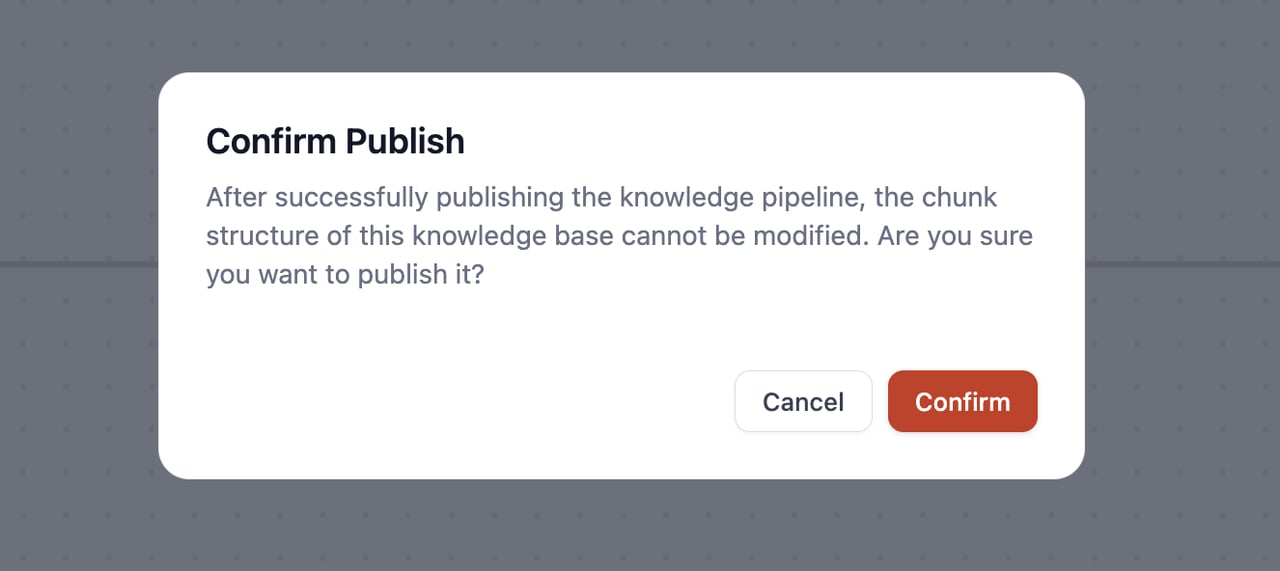
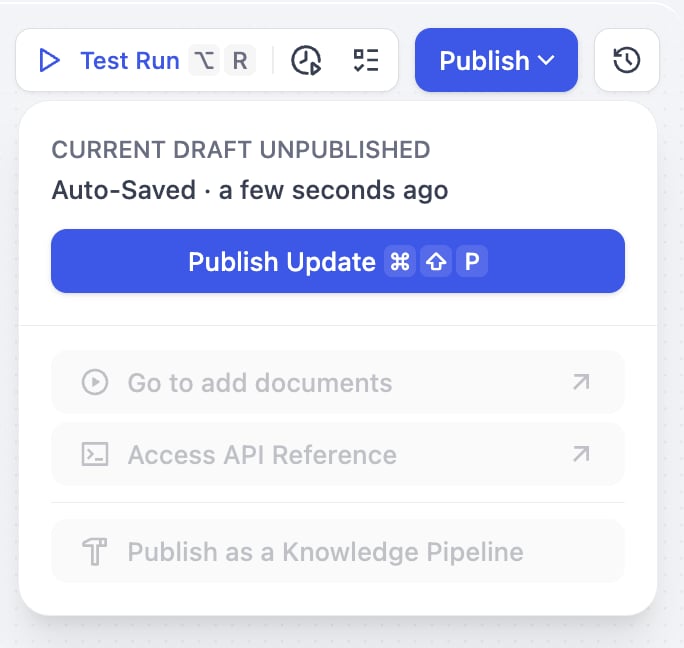
After completing pipeline orchestration and debugging, click **Publish** and **Confirm** in the pop-up window.

<div style={{display: 'flex', flexWrap: 'wrap', gap: '30px'}}>
  <div style={{flex: 1, minWidth: '200px'}}>
    <Frame>
      <img src="https://mintcdn.com/dify-6c0370d8-release-1-16-0/iPT2UCVQGhxXxDNd/images/use-dify/knowledge/create-knowledge-pipeline-12-01.png?fit=max&auto=format&n=iPT2UCVQGhxXxDNd&q=85&s=1f282c7fcefac2f17a509e48501ee249" alt="Publish Confirmation" width="684" height="648" data-path="images/use-dify/knowledge/create-knowledge-pipeline-12-01.png" />
    </Frame>
  </div>

  <div style={{flex: 2, minWidth: '300px'}}>
    <Frame>
      <img src="https://mintcdn.com/dify-6c0370d8-release-1-16-0/iPT2UCVQGhxXxDNd/images/use-dify/knowledge/create-knowledge-pipeline-12.png?fit=max&auto=format&n=iPT2UCVQGhxXxDNd&q=85&s=cb9ed6046efe57c75303b3fa5b28d6dc" alt="Publish Success" width="1280" height="571" data-path="images/use-dify/knowledge/create-knowledge-pipeline-12.png" />
    </Frame>
  </div>
</div>

<Warning>
  Important reminder: Once published, the chunk structure cannot be modified.
</Warning>

<div style={{display: 'flex', flexWrap: 'wrap', gap: '30px'}}>
  <div style={{flex: 2, minWidth: '200px'}}>
    <Frame>
      <img src="https://mintcdn.com/dify-6c0370d8-release-1-16-0/iPT2UCVQGhxXxDNd/images/use-dify/knowledge/create-knowledge-pipeline-13.png?fit=max&auto=format&n=iPT2UCVQGhxXxDNd&q=85&s=ab407797e7094b5d1447c039f0e09fc0" alt="Publish Complete" width="694" height="746" data-path="images/use-dify/knowledge/create-knowledge-pipeline-13.png" />
    </Frame>
  </div>

  <div style={{flex: 3, minWidth: '300px'}}>
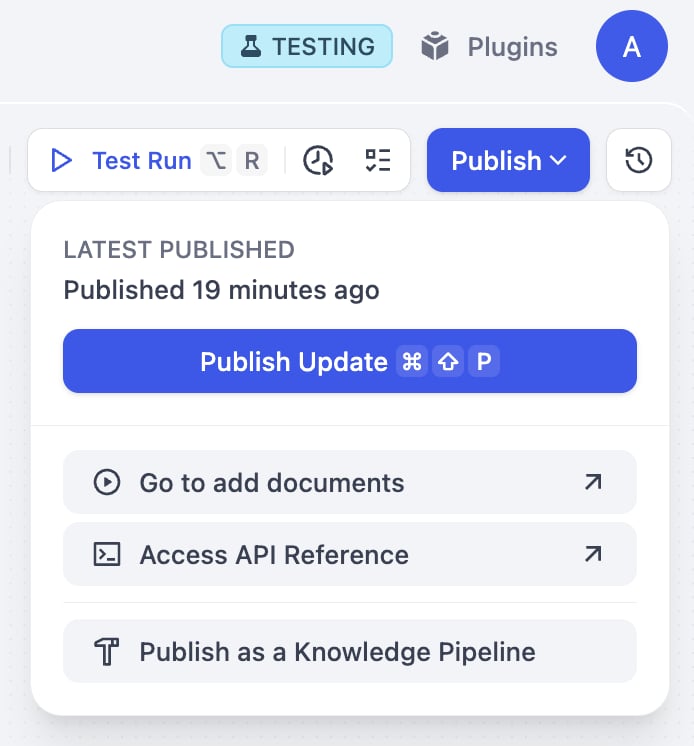
    Once it is published, you can:<br /><br />

    **Add Documents (Go to add documents)**\
    Click this option to jump to the knowledge base data source selection interface, where you can directly upload documents.<br /><br />

    **Access API (Access API Reference)**\
    Go to the API documentation page where you can get the knowledge base API calling methods and instructions.<br /><br />

    **Publish as a Knowledge Pipeline**\
    you can optionally use **Publish as a Knowledge Pipeline** to save it as a reusable template that will appear in the Customized section for future use.
  </div>
</div>

<Info>
  **Publish as a Knowledge Pipeline** is available on <Badge color="blue">Professional</Badge> and <Badge color="blue">Team</Badge>. Sandbox accounts cannot publish pipelines as reusable templates. [Upgrade your plan](https://dify.ai/pricing) to unlock this feature.
</Info>